
Software
YouTube AI tools: choose a useful creator workflow
By ChannelGraphs · Last updated
Keep a clear boundary between generating a draft and approving it for publication. Use native Studio reports for your own observed performance. Use a stated planning tool when it fills an exact gap. Check shared AI limits, source-material rights and private data before uploading. A useful workflow includes human review and a way to reject a bad output.
Sections10
Video editing and caption preparation
- Best for
- Cutting footage and reviewing caption drafts
- Trade-off
- Edition and feature limits apply; transcripts need correction.
YouTube AI tools can support different parts of production: research, outlines, edits, captions and thumbnails. Choose the task before choosing the product. An AI-generated draft is not a finished fact check, a rights review or proof that a video will earn money.
match a tool to a task
Write down the part of production that is slow or unclear. Is it finding the viewer's question, structuring a script, correcting captions or arranging a thumbnail? These are different jobs. A single “best AI tool” label can hide a poor fit for the job that actually matters.
| Task | Possible workflow | Required check |
|---|---|---|
| Topic research | vidIQ or TubeBuddy research features | Tool metric definition and real audience need |
| Draft outline | A bounded AI prompt with source notes | Facts, logic and missing steps |
| Captions | A transcription or native caption draft | Names, numbers and meaning against the audio |
| Thumbnail | Draft generation plus manual layout review | Accuracy, rights and small-screen readability |
| Performance review | YouTube Studio with a defined question | Correct dates, filters and metric basis |
Scroll for more →
The table organizes tasks. It does not claim that every listed service provides every function. Follow the provider's current help pages for the exact feature, version and plan before making a purchase.
Ideation and scripting
Give the tool an audience, a problem and a constraint. For example, ask for three distinct ways to explain a maintenance task to a first-time owner, using only the supplied steps. That is more bounded than asking for a viral script with no source material or accuracy limit.
Check the proposed outline for missing dependencies. A tool may skip preparation because it sounds routine. It may also add a factual claim that was never in the source notes. Keep a fact list and mark unsupported additions for removal or research.
vidIQ AI Coach documentation describes its planning role. Our AI Coach guide gives a prompt-and-review method without claiming a hands-on outcome.
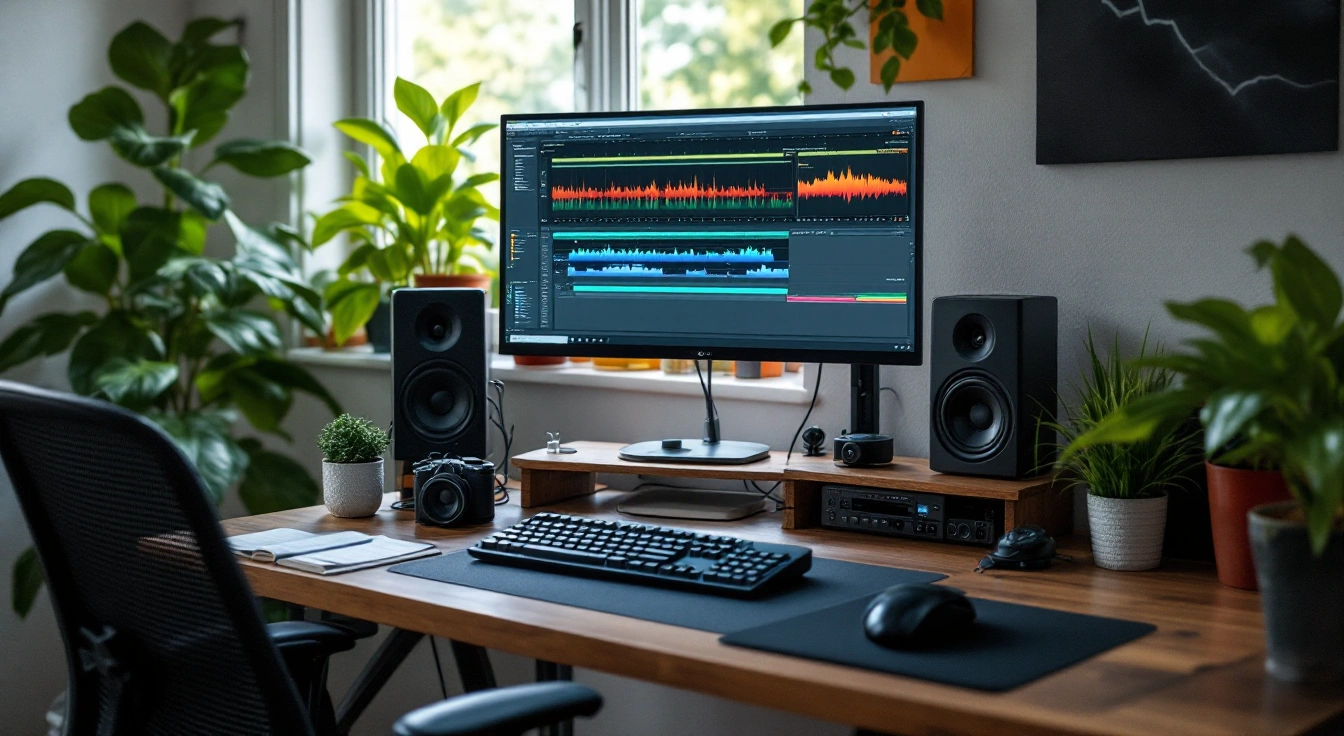
A video editor for cuts and captions
Filmora is an option when the missing task is editing footage rather than researching a channel. Wondershare's Filmora product page describes video editing with AI tools, including speech-to-text captions. Check the exact desktop or mobile edition and its current plan before relying on a feature.
Use it for a repeatable cut-and-caption workflow: import footage you may process, make the edit, correct names and numbers against the audio, then inspect the export. Keep an editable project and the original footage. A caption feature does not establish that its transcript is accurate.
The trade-off is another editing workflow and its feature or usage limits. If Studio already answers your reporting question, buying an editor will not add private competitor analytics. Compare the current editing features only when cutting or captioning is the job you need to complete. No hands-on output or time-saving result is claimed here.
Editing and captions
Use only source footage and audio you have the right to process. An AI edit can remove context or change the apparent meaning of a sentence. Watch the result end to end and compare it with the source before treating the shorter version as ready.
Captions need their own check. Names, product models, amounts and negations are easy places for an error to change meaning. Listen to those points while reading the text. A fluent line can still be wrong, so do not approve it solely because the words look natural.
Keep the original files and an editable project. If the export is wrong, you need a way to fix the text or restore a cut without starting from a flattened final file. A workflow that is easy to revise is often more useful than one that produces the quickest first draft.
Thumbnail workflow
Write the visual promise before generating. Decide what the viewer should understand at a glance and what the actual video proves. Then draft a small set of concepts. Reject an image that invents a product feature, a physical result or an event the video does not show.
Compare thumbnail tools by generation, manual editing and rights rather than aesthetic appeal alone. Measurement belongs in the matching Studio reports or tests. An AI thumbnail score is not a measured viewer response.
Privacy, rights and factual checks
Do not paste account recovery details, private audience records or a sponsor's private contract into a planning prompt. Use a short anonymous summary where it can answer the question. Read the provider's data terms for the material you intend to upload.
Check rights in both directions. Having the right to use a source photograph does not always show permission for every kind of processing. A generated output may also contain a recognizable third-party mark or likeness. Treat those as things to inspect, not as automatically cleared assets.
For earning questions, use YouTube's channel policies and synthetic-content guidance. AI assistance is not a substitute for originality, accurate disclosure or the other rules that apply to the channel.
Where paid tools fit
Pay for a task you expect to repeat and can assess. Note the current feature limit, account scope and total charge. Include revision attempts in any credit budget. A plan that supports one clean draft may not cover a heavily iterative production process.
If your problem is simply reading your own channel's reports, begin with Studio. For research and planning, compare the documented software options. Avoid buying several overlapping plans before you know which output makes your work better.
Can an AI tool make a video automatically eligible for monetization?
No tool purchase shows eligibility or acceptance. YouTube applies its own channel and content rules. Check the finished work, its originality and any required disclosures, then use the current official program route. A vendor's growth claim does not replace the platform's actual policy and review process.
Decision
Use YouTube AI tools for bounded drafts and repeatable work. Keep facts, rights and the final publishing decision under review. The best workflow is one you can explain, check and revise, with an exact reason for any paid feature.